Pick. Print. Plant.
Choose a character and download its one-page PDF. Print it, protect it from the weather, and put it on your lawn.
Invite a dancing skeleton into your next video.
Or a ghost. Or a very groovy little monster.
Six skeletons. Five friendly frights. Eleven ways to steal the scene.
Something fun to discover on the Halloween walk.
Choose a character and download its one-page PDF. Print it, protect it from the weather, and put it on your lawn.
Visitors scan the QR code with their phone. The character opens, ready to join their camera view.
Move and resize the character, record up to 30 seconds, then download or share the finished video.
 JUST ADD
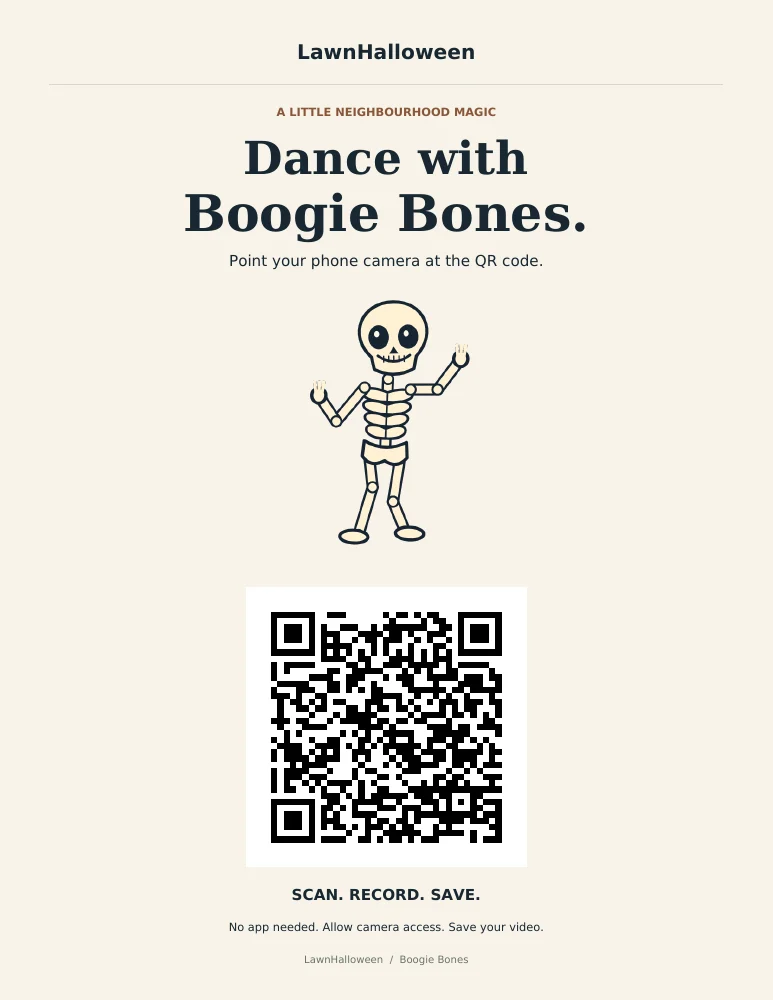
Every character comes with a ready-to-print lawn sign. A friendly face, a big scannable QR code, and an invitation to join the fun.
No. Open a character in your phone’s browser and allow camera access. Recording needs a browser with camera, canvas capture, and MediaRecorder support. If an in-app browser does not work, open the link in Safari or Chrome.
Yes. It is drawn directly into your finished video and stays on screen as you move your phone. Drag it to reposition it and use the size slider. It is a screen overlay, so it does not track your lawn or hide behind people.
Yes. After recording, preview it and choose Download video or Share / save to phone. Your browser chooses MP4 or WebM based on what it can record. On iPhone, use the share sheet to save to Photos when offered, or save to Files.
Your camera feed and recordings stay in your browser. LawnHalloween does not upload or store them. Download a video before leaving or recording another one. Audio is off unless you choose to enable the microphone.
They are original, playful animated characters with no gore or jump scares. All effects are silent by default. Preview the characters before choosing one for your lawn.